| View previous topic :: View next topic |
| Author |
Message |
cptss1967
Joined: 04 Apr 2008
Posts: 6
|
 Posted: Sat Jul 26, 2008 2:00 pm Post subject: Posting pictures Posted: Sat Jul 26, 2008 2:00 pm Post subject: Posting pictures |
 |
|
I do NOT see where or how to attach or post photos?
_________________
Rode across Europe in early 70's on an R-50 used Polizei bike. |
|
| Back to top |
|
 |
Jim
Site Admin

Joined: 17 May 2003
Posts: 3841
Location: WHERETHEFUNNEVERENDS
|
| Posted: Sat Jul 26, 2008 2:32 pm Post subject: photo posting |
|
|
don't know which photo share program you're using. I use Picasaweb (free with gmail). Once you have the photos uploaded to picasaweb, you should be able to click on a photo in the album, and there's a button on the right to click on to link to the photo - something like: "embed image". Right under that is where you can choose the size - in the first example, I used a thumbnail. Once you click on the button, you'll get a url - should look something like this:
<a href="http://picasaweb.google.com/lh/photo/Qu3Z7g5Hnlgu_OcnTkxNyQ?authkey=Gv1sRgCJXk5av6_OSJlQE&feat=embedwebsite"><img src="http://lh6.ggpht.com/_c5Cqcul1ARY/SoIg8Pj7jEI/AAAAAAAADcY/Np7b92RZMo0/s144/K11%20%26%20uni-go.JPG" /></a>
Now you have to remove everything that's bold above - and put [img] at the front of the string, and [/img] at the end of the string - or click on the img button, paste the string, then click the img button again.
Should look something like this: [img] http://lh6.ggpht.com/_c5Cqcul1ARY/SoIg8Pj7jEI/AAAAAAAADcY/Np7b92RZMo0/s144/K11%20%26%20uni-go.JPG[/img]
I intentionally left a space between [img] and the rest of the line above so you can see what it looks like. Take out the space and it looks like this: 
A large (800px) photo will look like this: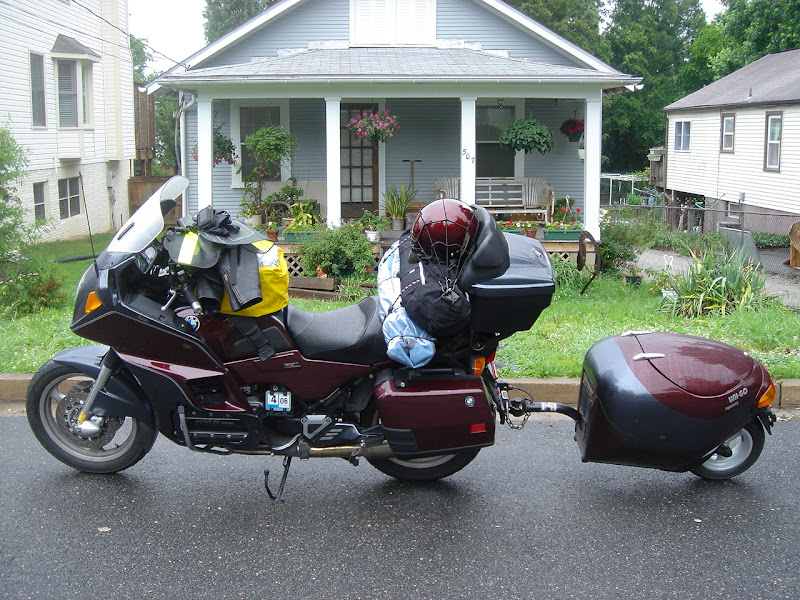
Note: with Picasaweb, when I link to a photo, I initially get this: <a href="http://picasaweb.google.com/lh/photo/Qu3Z7g5Hnlgu_OcnTkxNyQ?authkey=Gv1sRgCJXk5av6_OSJlQE&feat=embedwebsite"><img src="[/b]http://lh6.ggpht.com/_c5Cqcul1ARY/SoIg8Pj7jEI/AAAAAAAADcY/Np7b92RZMo0/s144/K11%20%26%20uni-go.JPG The second http string is the one you have to use - everything in front of that has to be deleted, as well as everything after the .jpg near the end of the string. What I end up using between the [img] brackets looks like this: http://lh6.ggpht.com/_c5Cqcul1ARY/SoIg8Pj7jEI/AAAAAAAADcY/Np7b92RZMo0/s144/K11%20%26%20uni-go.JPG
_________________
Jim
1997 K1100LTSE 94,000 - still has gremlins!
1995 R100RT Classic 16,650 crashed - repaired!
1992 K75RTP 46,000
"We shall not all die, but we shall all be changed."
Last edited by Jim on Wed Sep 02, 2009 10:31 pm; edited 1 time in total |
|
| Back to top |
|
|
rkildu
Flying Brick Rider
Joined: 08 Nov 2005
Posts: 221
Location: Arkansas
|
| Posted: Sat Jul 26, 2008 6:51 pm Post subject: |
|
|
I discovered somethig a short while ago. When you post a new message look at the icons below the "Post a reply" banner. You will see a line of buttons. Second from the left is "Img".
If you will hit that button in front of where you want to post the URL of your picture it will automagically insert the correct prefix. Do it again at the end of the URL and it automagically posts the correct suffix.
Pretty cool huh.
_________________
Rod Kilduff
97 K1100LT HighLine
82 R100Lufty |
|
| Back to top |
|
|
Flying Duck
PsyKotic Waterfowl

Joined: 27 Jan 2005
Posts: 10102
Location: Bumf***, WA
|
| Posted: Sat Jul 26, 2008 7:25 pm Post subject: |
|
|
Be nice - trim them to 600 or 700 pixels wide. If whatever software you're using uses dpi and inches that would be 6 or 7 inches at 100 dpi.
_________________
93 LT (x2)
94 RS
86-97 K75F(K75/100/1100 Frankenbrick)
86 K75C w/paralever, hi perf cams,TURBO!
91 & 92 K75Ss
91 K1
86 custom K100
14 WR250R
IBA #17739 (SS1K, BBG, 50CC)
Buy parts HERE |
|
| Back to top |
|
|
|

 FAQ
FAQ Search
 Memberlist
 Usergroups
 Register
 Profile
 Log in to check your private messages
 Log in


